Turbo Studio 2.18
Released 31st of March 2026
What’s new
New Update & Change Components Screens
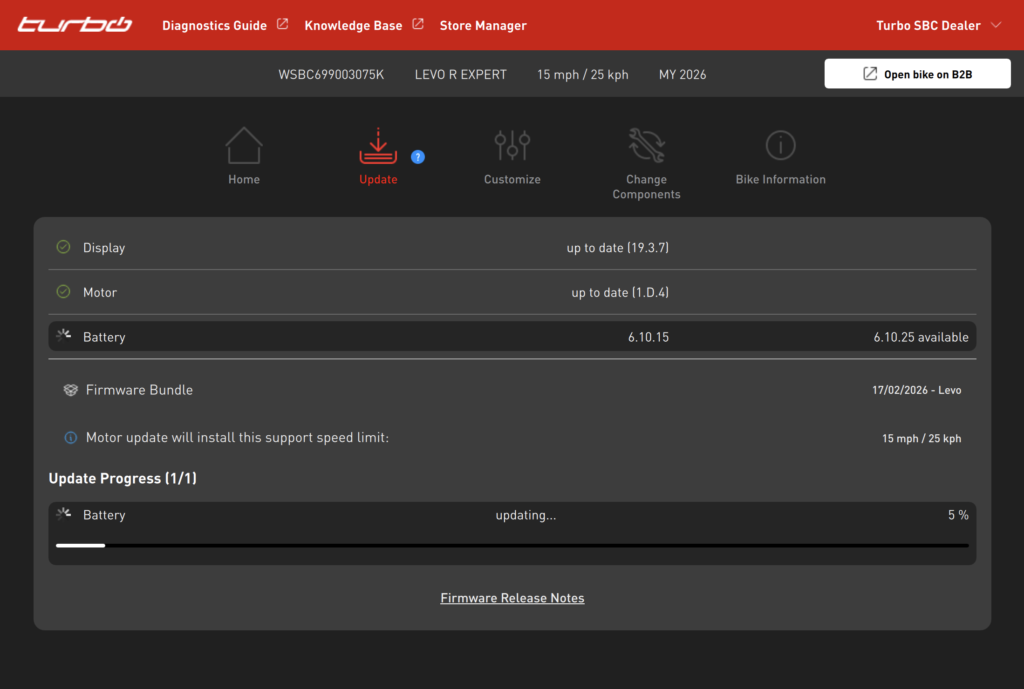
Turbo Studio now includes redesigned Update and Change Components screens, offering a smoother and more intuitive user experience.
The Update screen provides a clearer overview of all components being updated, making it easier to navigate through the list and see the total number of updates being performed.
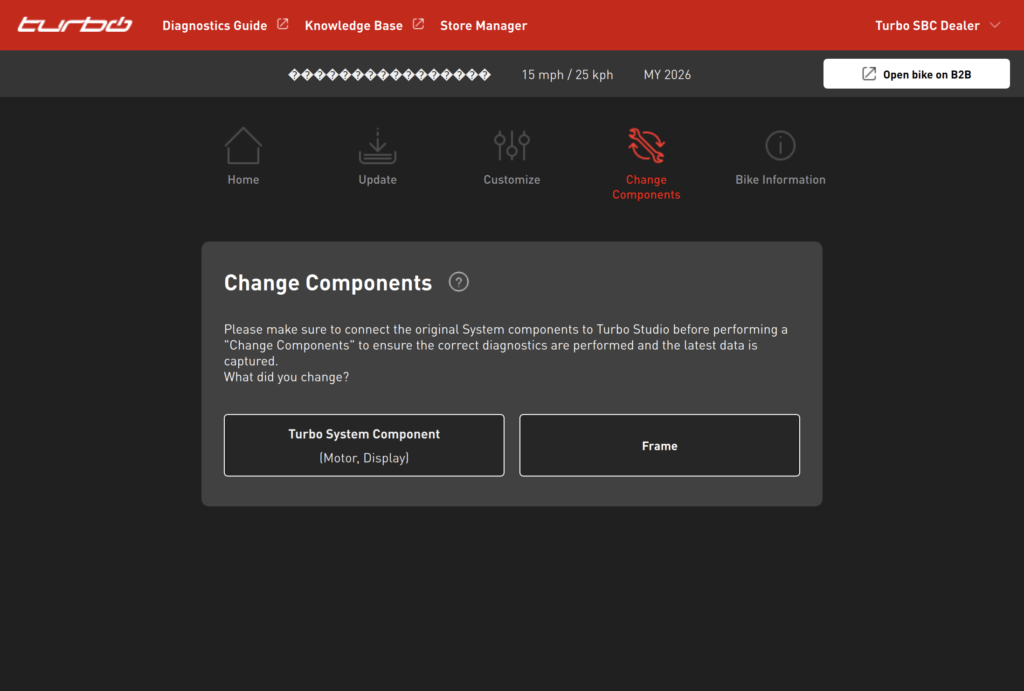
The Change Components screen adopts the same modern design principles introduced in recent releases, ensuring a consistent and streamlined workflow.
Faster Component Scan
This update introduces improvements to how information is retrieved from a connected bike, resulting in a noticeably faster connection process. When plugging in a Levo 4, Levo R, or any upcoming Turbo models, the connection is now done in 30-40 seconds.
For brand new bikes straight out of the box, the initial connection may take slightly longer than subsequent ones.
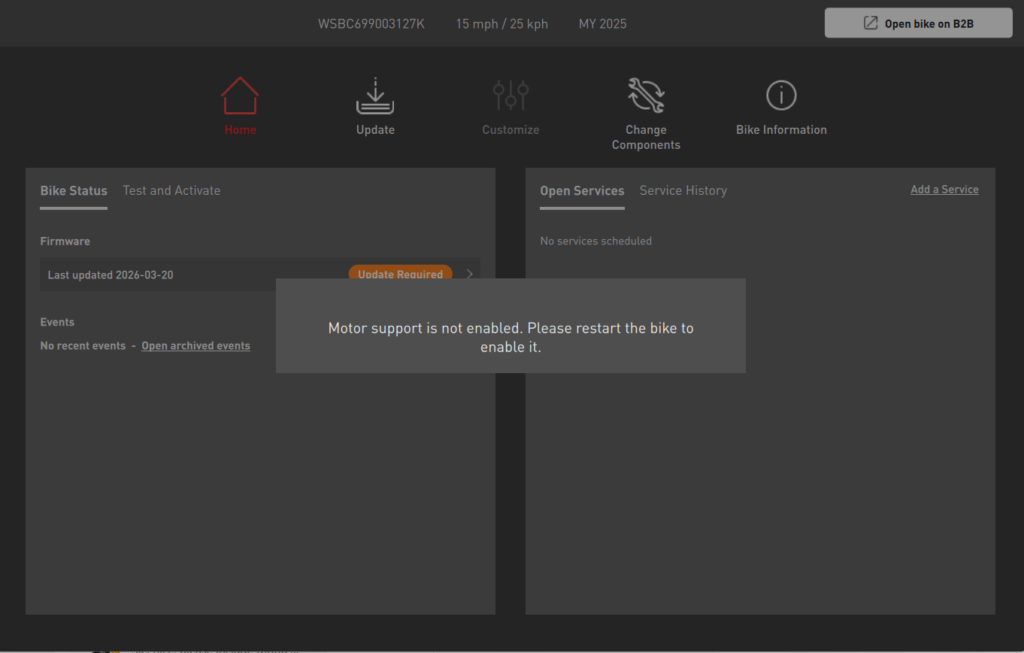
You may also see a pop‑up prompting you to restart the bike after completing the very first update. This is expected behavior – the restart ensures the bike is set up correctly and becomes fully functional.
Support for Upcoming Products
Turbo Studio is now prepared for upcoming product launches, enabling you to update new Turbo bikes as soon as they become available.
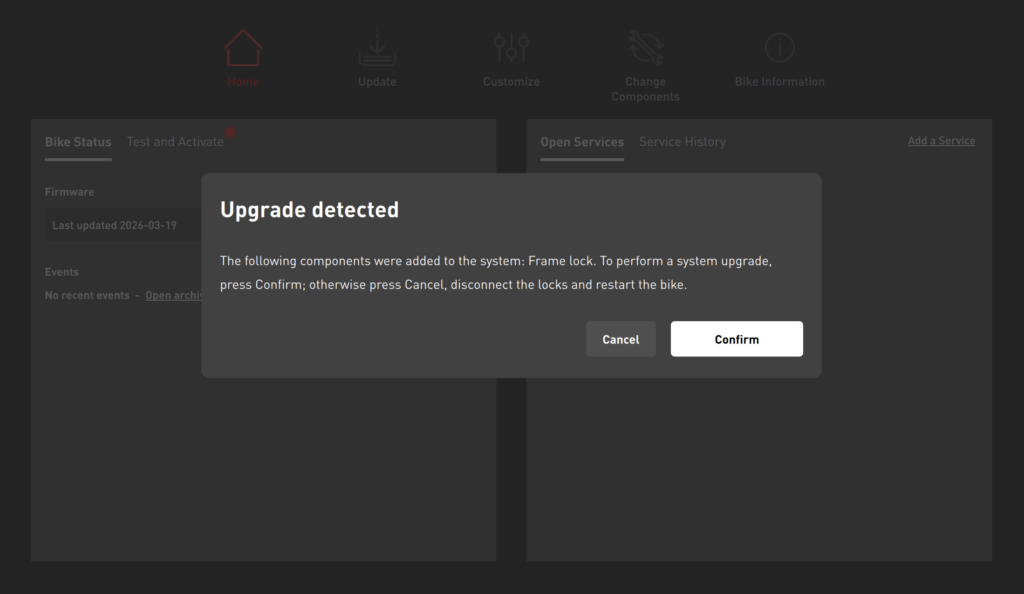
You will be able to perform component upgrades on selected models, as well as downgrades when needed or requested by customers.
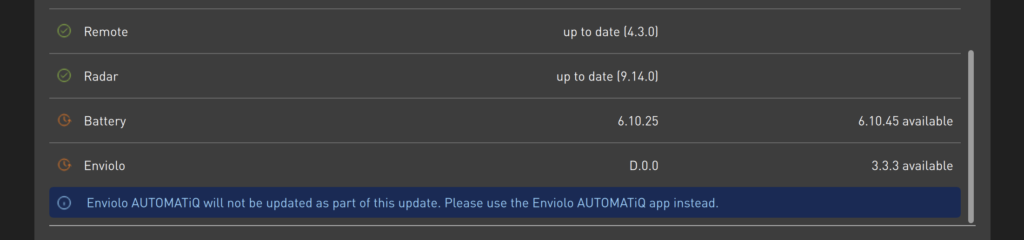
With this release, Turbo Studio will also guide you to update Enviolo AUTOMATiQ through the official Enviolo AUTOMATiQ application whenever updates are available.