Turbo Studio 2.17
Released 18th of November 2025
What’s new
- New Login Screen & User Validation
- New Multiclass Speed Settings (Where Applicable)
- Support for the New 600Wh Levo 4 Battery
- New Knowledge Base
- Charger Connection Detection
- Dual Battery Update on Levo 4
New Login Screen & User Validation
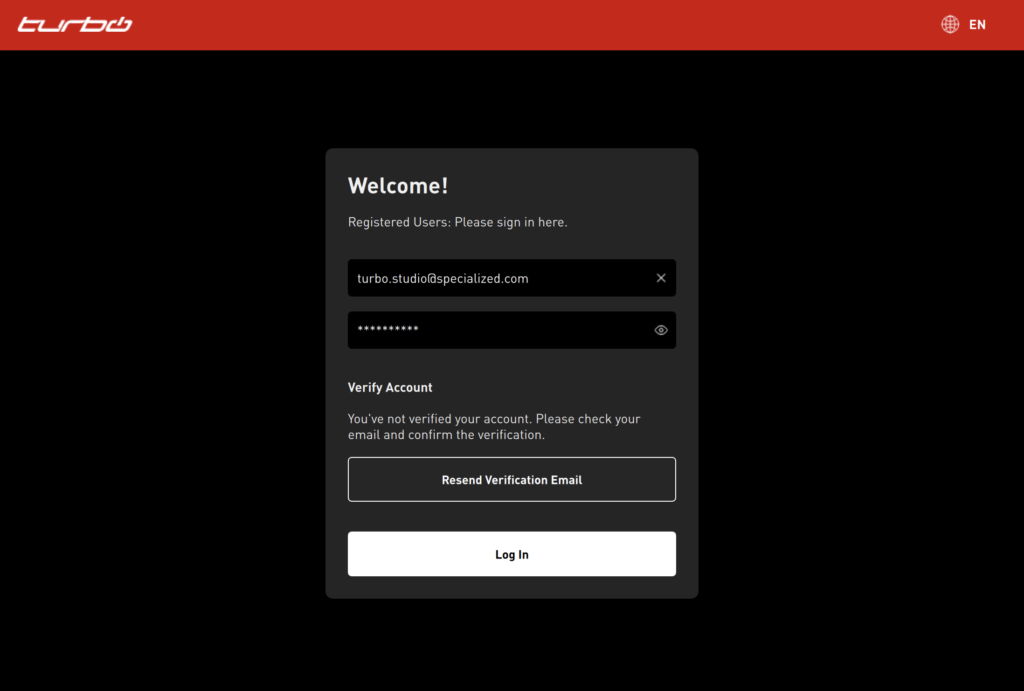
Turbo Studio now features an updated login screen designed for a smoother and more intuitive experience.
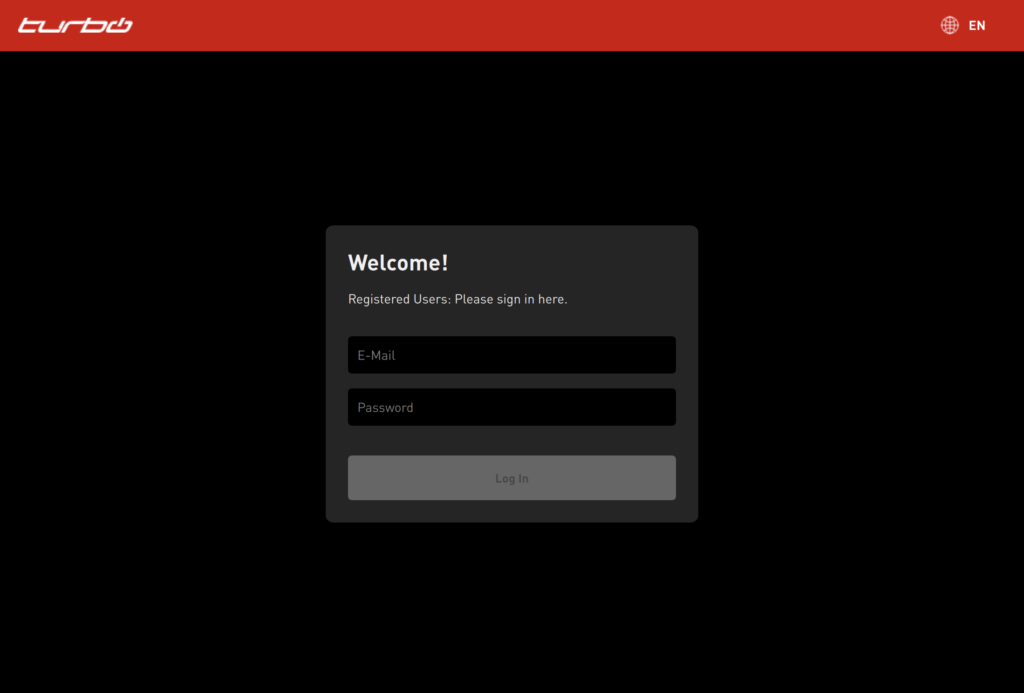
To enhance account security, all user accounts must now be validated before logging in. If your account has not yet been validated, you can easily request a new validation email directly from the login screen.
New Multiclass Speed Settings (Where Applicable)
With the launch of Levo 4 in the US, we introduced the Multiclass speed limit functionality, allowing riders to select from multiple speed options. After restarting the bike, the selected speed always resets to 20 mph / 32 kph. Riders using the Multiclass option can choose between:
- 15 mph / 25 kph
- 20 mph / 32 kph
- 28 mph / 45 kph
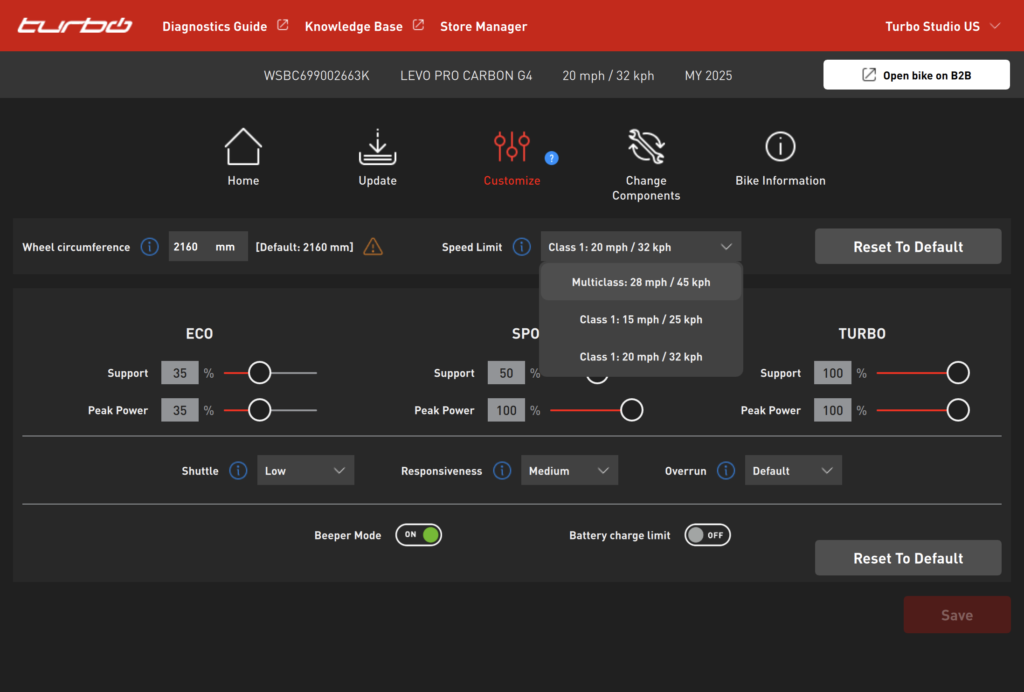
With this release, Turbo Studio now gives you control over which speed setting option is configured for your customers – helping you comply with local regulations and rider needs. You can now select from the following modes:
- Multiclass: 28 mph / 45 kph – Rider can switch between speed limits on their own (same as current functionality).
- Class 1: 15 mph / 25 kph – Fixed speed limit (can’t be changed by the rider).
- Class 1: 20 mph / 32 kph – Fixed speed limit (can’t be changed by the rider).
Speed settings can be changed during an Update, Customize or Component Change process. The Multiclass option is pre-selected by default, while choosing Reset to Default sets the speed to the fixed 20 mph / 32 kph option. These speed settings apply to Levo 4 only.
Support for the New 600Wh Levo 4 Battery
Turbo Studio now supports the update process and battery diagnostics for the upcoming 600Wh battery for Levo 4 bikes.
New Knowledge Base
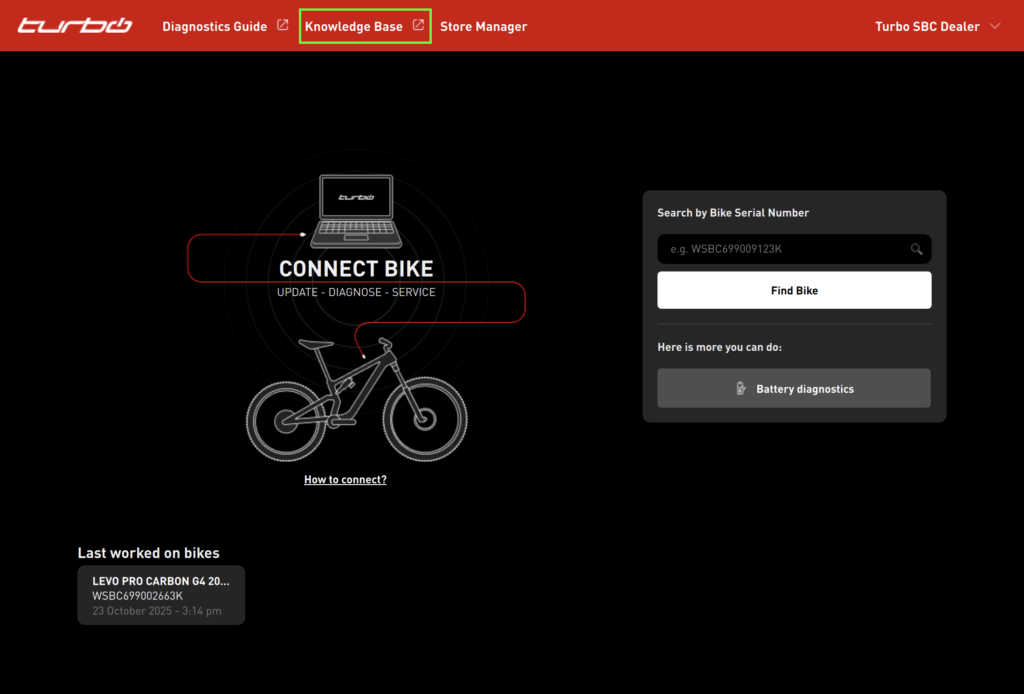
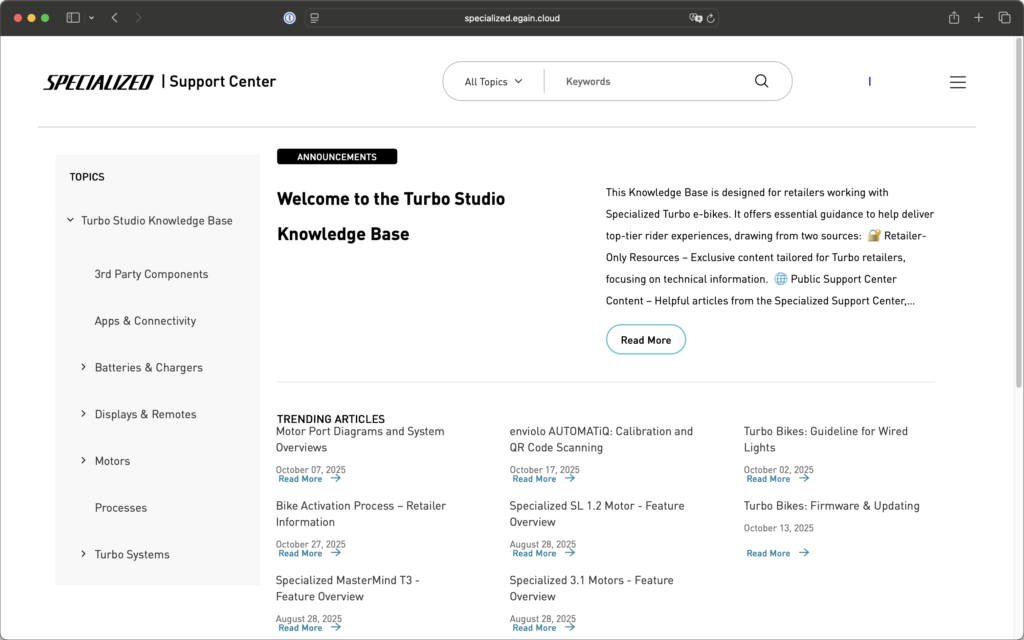
The new Turbo Studio Knowledge Base is now available in our Support Center. You can access it directly from Turbo Studio by clicking the provided link, which opens in an external browser for quick and easy reference.
Charger Connection Detection
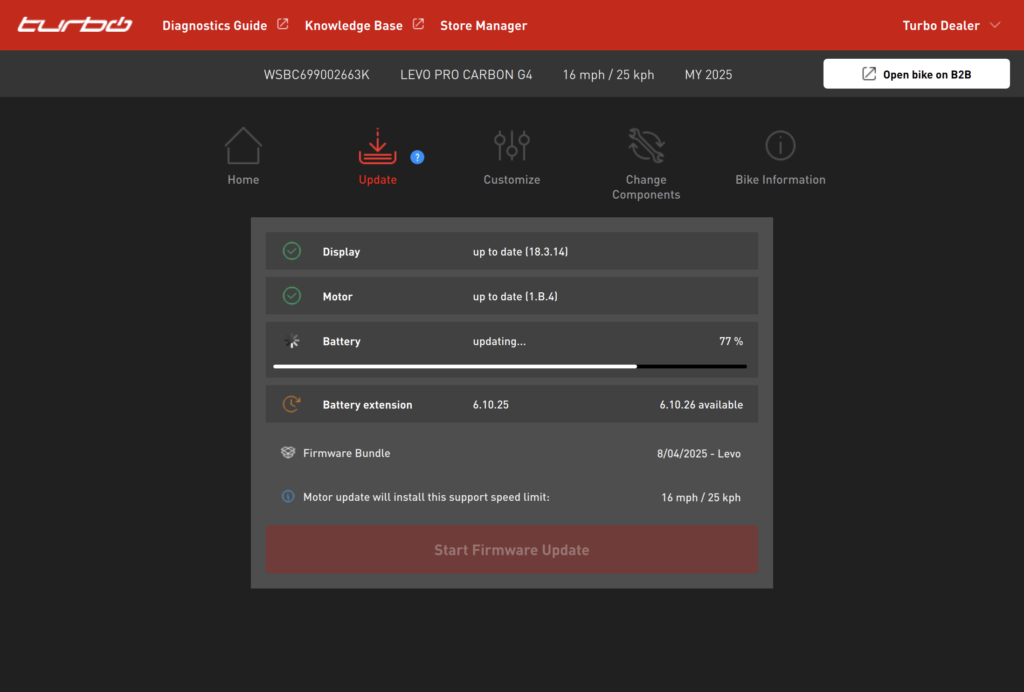
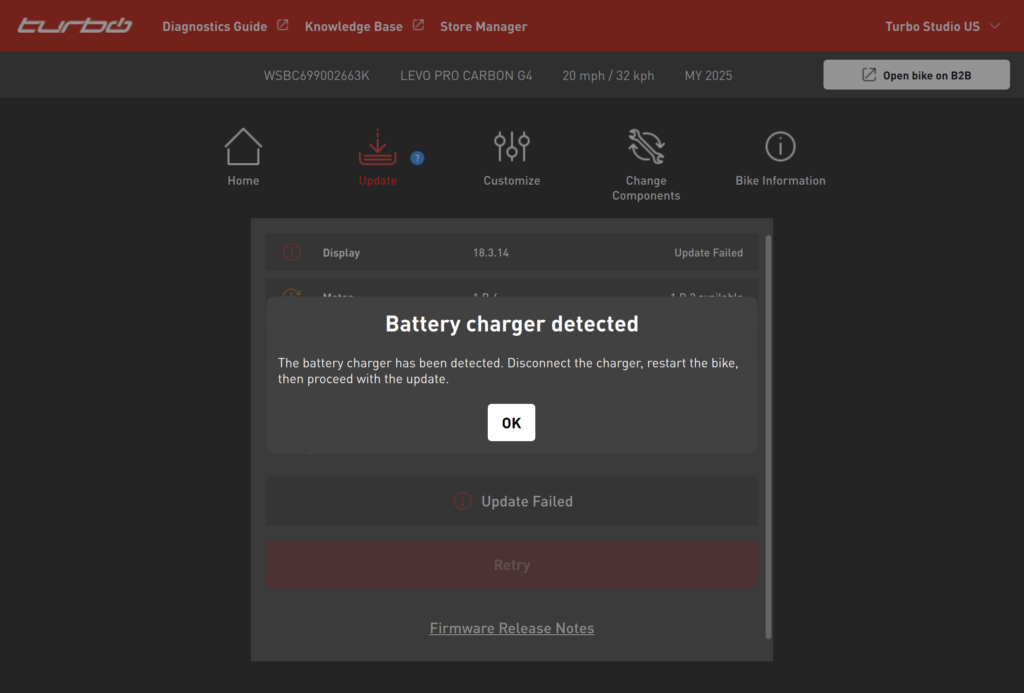
A connected charger can cause updates to fail. Turbo Studio now detects when a charger is connected and displays a warning message, prompting you to disconnect the charger before continuing with the update.
Dual Battery Update on Levo 4
When Levo 4 batteries are brand new, each battery must be updated separately. Once both the internal and external batteries have been updated, future battery updates can be performed with both batteries connected, following the same process as on previous systems. Turbo Studio will guide you through this process for each specific use case.